





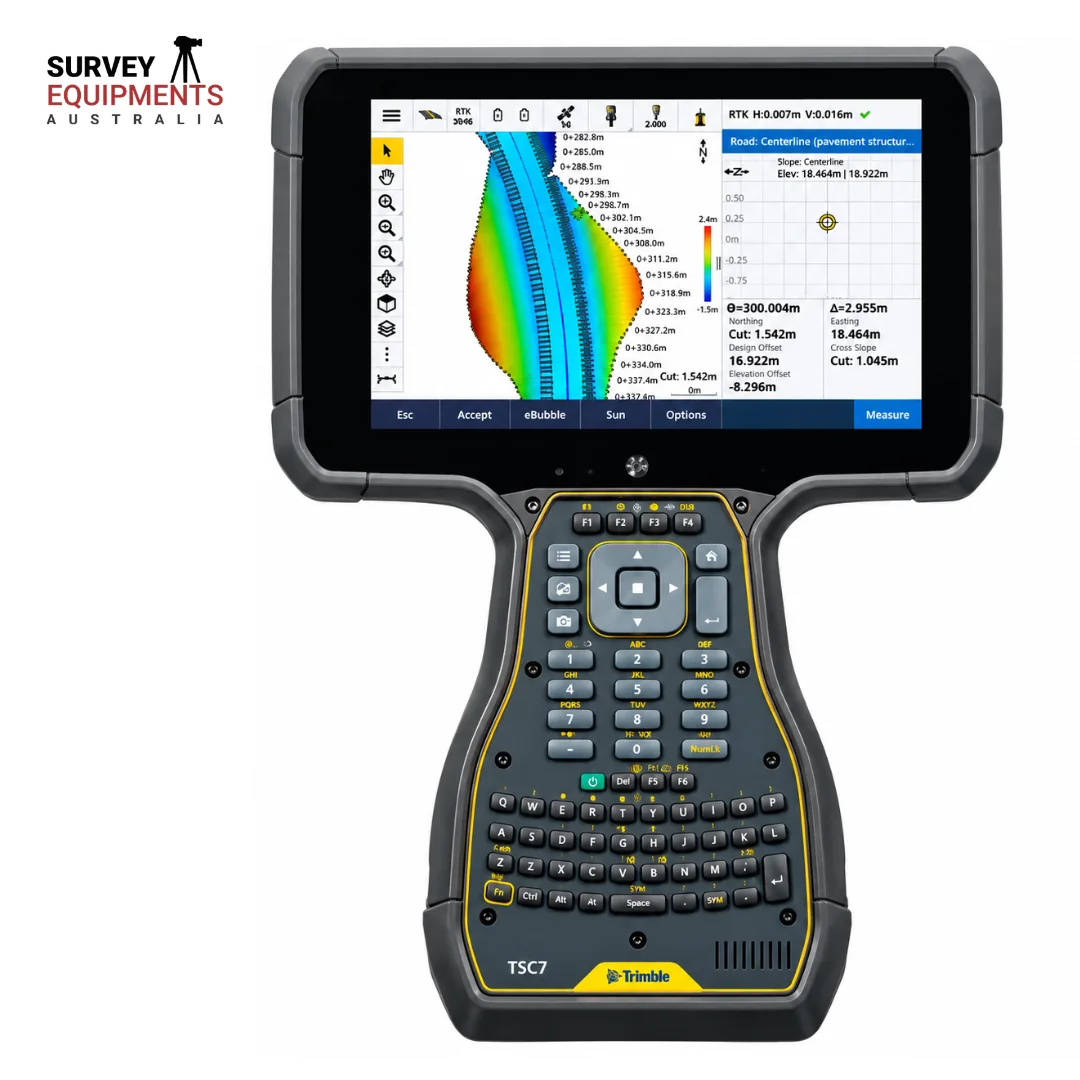
TSC7 Screen Protector is specifically designed to protect the screen of the TSC7 field controller from scratches, impacts, and everyday wear. Crafted from high-quality tempered glass, this screen protector ensures durability, clarity, and long-lasting performance.
Field controllers like the TSC7 are essential for surveying, construction, and geospatial tasks. To maintain accuracy and functionality, it is crucial to protect the screen from dust, debris, and potential damage.
The glass screen protector not only shields your device but also maintains touch sensitivity and clarity, making it an essential accessory for professionals who rely on their TSC7 for field data collection.
Key Features and Benefits
High-Quality Tempered Glass
- Offers superior scratch resistance and impact protection.
- Maintains screen integrity, reducing the risk of cracks and damage.
Ultra-Clear Transparency
- Maintains the original screen clarity and brightness.
- Provides an optimal viewing experience with no loss of quality.
Precision Touch Sensitivity
- Preserves the device’s touch functionality.
- Smooth and responsive surface for effortless navigation.
Anti-Smudge and Fingerprint Resistant
- Special coating to minimise fingerprints and smudges.
- Keeps the screen clean and readable even after prolonged use.
Bubble-Free Installation
- Easy to apply with no air bubbles or misalignment.
- Adhesive backing ensures secure and hassle-free installation.
Technical Specifications
| Specification | Details |
| Product Name | TSC7 Glass Screen Protector |
| Trimble Model No. | 121340-01-1 |
| Material | Tempered Glass |
| Thickness | Thin toughened glass |
| Transparency | Clear |
| Touch Sensitivity | Full Compatibility with TSC7 Touchscreen |
| Installation | Bubble-Free Adhesive |
| Coating | Clear glass finish |
| Durability | Scratch and Impact Resistant |
| Compatibility | Trimble TSC7 controller and Ranger 7 data collector |
| Packaging | 1 screen protector with alcohol wipe, cleaning cloth and dust-removal sticker |
| Warranty | Manufacturer’s warranty |
Screen Protector Fitting Steps
| Step | What to do |
|---|---|
| 1 | Clean the TSC7 screen with the alcohol wipe, then dry with the cloth |
| 2 | Lift remaining dust with the dust-removal sticker |
| 3 | Peel the film, align with the top of the glass and lay it down |
| 4 | Press in the centre and push any bubbles to the edges with the cloth |
Suitable Devices
Model | Compatibility |
| Trimble TSC7 Field Controller | Fully Compatible |
| Trimble TSC7 Data Collector | Fully Compatible |
Always ensure your device model matches the product before purchasing.
Ideal Applications
Environment | Use Cases |
| Surveying and Geospatial | Protects screen during data collection |
| Construction Sites | Shields from dust, dirt, and debris |
| Engineering Projects | Maintains clear and functional touchscreen |
| Outdoor Fieldwork | Protects against weather-related damage |
| Industrial Settings | Guards against scratches and minor impacts |
Advantages of Choosing a Genuine Trimble Screen Protector
Feature | Genuine Trimble Protector | Generic Alternatives |
| Screen Clarity | Crystal clear, no loss of visibility | May reduce brightness and clarity |
| Touch Sensitivity | Highly responsive, seamless operation | Reduced sensitivity, lag in response |
| Durability | Tempered for long-lasting protection | Prone to scratches and cracks |
| Installation | Bubble-free, easy application | Difficult to align, prone to air bubbles |
| Device Compatibility | Designed specifically for TSC7 | Risk of mismatched size or shape |
Installation Instructions
Clean the Screen:
- Use the included cleaning wipe to remove dust, dirt, and fingerprints.
- Dry the screen with the microfibre cloth.
Align the Protector:
- Carefully align the glass protector with the screen.
- Ensure proper positioning before proceeding.
Apply the Protector:
- Gently press the centre of the protector.
- Allow the adhesive to spread naturally.
Remove Air Bubbles:
- Smooth out any remaining bubbles with the squeegee or your fingers.
- Wipe the surface to ensure a clean finish.
Final Check:
- Verify touch sensitivity and screen clarity.
- Enjoy full protection with optimal device performance.
Maintenance Tips
- Regularly clean the protector with a soft, dry cloth.
- Avoid using harsh chemicals that may affect the coating.
- Replace the protector if it becomes cracked or significantly scratched.
- Store the device properly when not in use to prolong the screen protector’s lifespan.
Frequently Asked Questions
Is the Trimble TSC7 Glass Screen Protector easy to install?
Yes, the protector features a bubble-free adhesive that makes installation quick and easy. Follow the provided instructions for best results.
Does the screen protector affect the touch sensitivity of the TSC7?
No, the tempered glass is designed to maintain full touch sensitivity, allowing smooth and accurate navigation.
Can I use this screen protector in outdoor environments?
Absolutely. The screen protector is designed to withstand outdoor conditions, including dust, dirt, and minor impacts.
Will the screen protector fit other Trimble models?
This specific model is designed for the Trimble TSC7. Check for compatibility before purchase if using a different model.
How do I remove the screen protector if needed?
Gently lift one corner and peel it off slowly. Clean the screen after removal to eliminate any adhesive residue.
Sources: Model number 121340-01-1, pack contents and TSC7 / Ranger 7 fit from Cansel: Trimble TSC7 / Ranger 7 glass screen protector; fitting steps from Trimble help: Installing a screen protector.


