



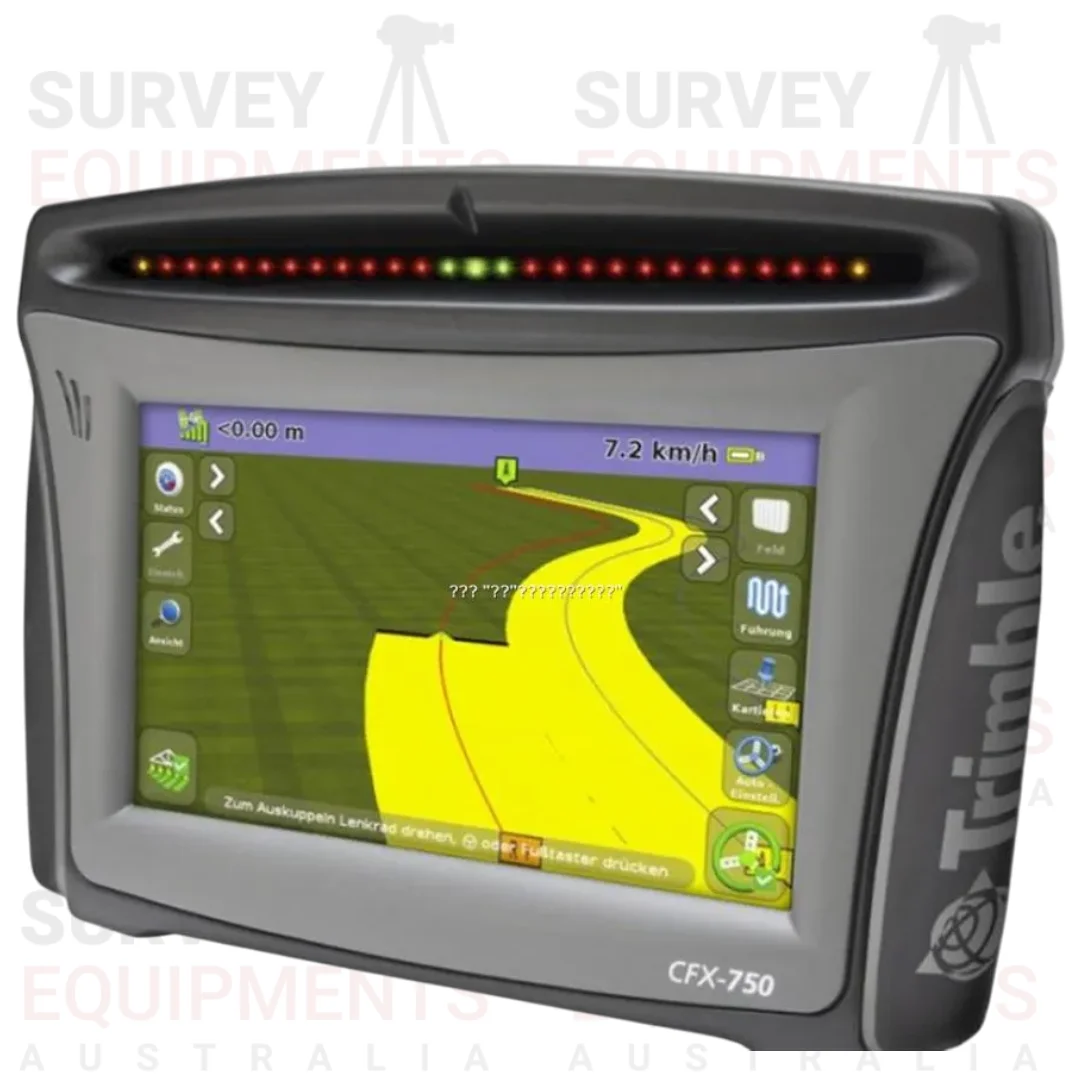


Trimble TRM20 Cab CAM Camera 20′ Adapter Cable is designed specifically to connect Cab CAM cameras to Trimble GPS displays such as the CFX / FM-750. This high-quality adapter cable ensures a secure and stable connection, enabling you to integrate camera feeds directly into your Trimble display system.
Whether you are working in precision agriculture or field management, this Trimble TRM20 cable enhances your workflow by delivering real-time visual data from your Cab CAM cameras. Its 20-foot length offers flexibility and convenience, making it ideal for use in large agricultural vehicles and machinery.
Trimble TRM20 Key Features and Benefits
- Seamless Connectivity
- Designed specifically for Trimble GPS displays (CFX / FM-750).
- Allows direct integration of Cab CAM camera feeds.
- High-Quality Construction
- Durable cable material for long-lasting performance.
- Designed to withstand harsh agricultural environments.
- Generous Length
- 20-foot cable length provides flexibility for various setups.
- Ideal for large vehicles and agricultural machinery.
- Easy Installation
- Plug-and-play design for quick and hassle-free connection.
- Secure adapter ensures stable video transmission.
- Enhanced Visual Monitoring
- Connects camera feeds to your GPS display for improved field management.
- Real-time visuals enhance safety and precision in agricultural tasks.
Trimble TRM20 Technical Specifications
| Specification | Details |
|---|---|
| Product Name | TRM20 Cab CAM Camera 20′ Adapter Cable for Trimble |
| Cable Length | 20 ft (approx. 6.1 m) |
| Function | Carries power and video between a wired CabCAM camera and the display |
| Quantity Needed | One cable per camera |
| Compatibility | Trimble AgGPS FmX, CFX-750, FM-750 and FM-1000 display camera ports |
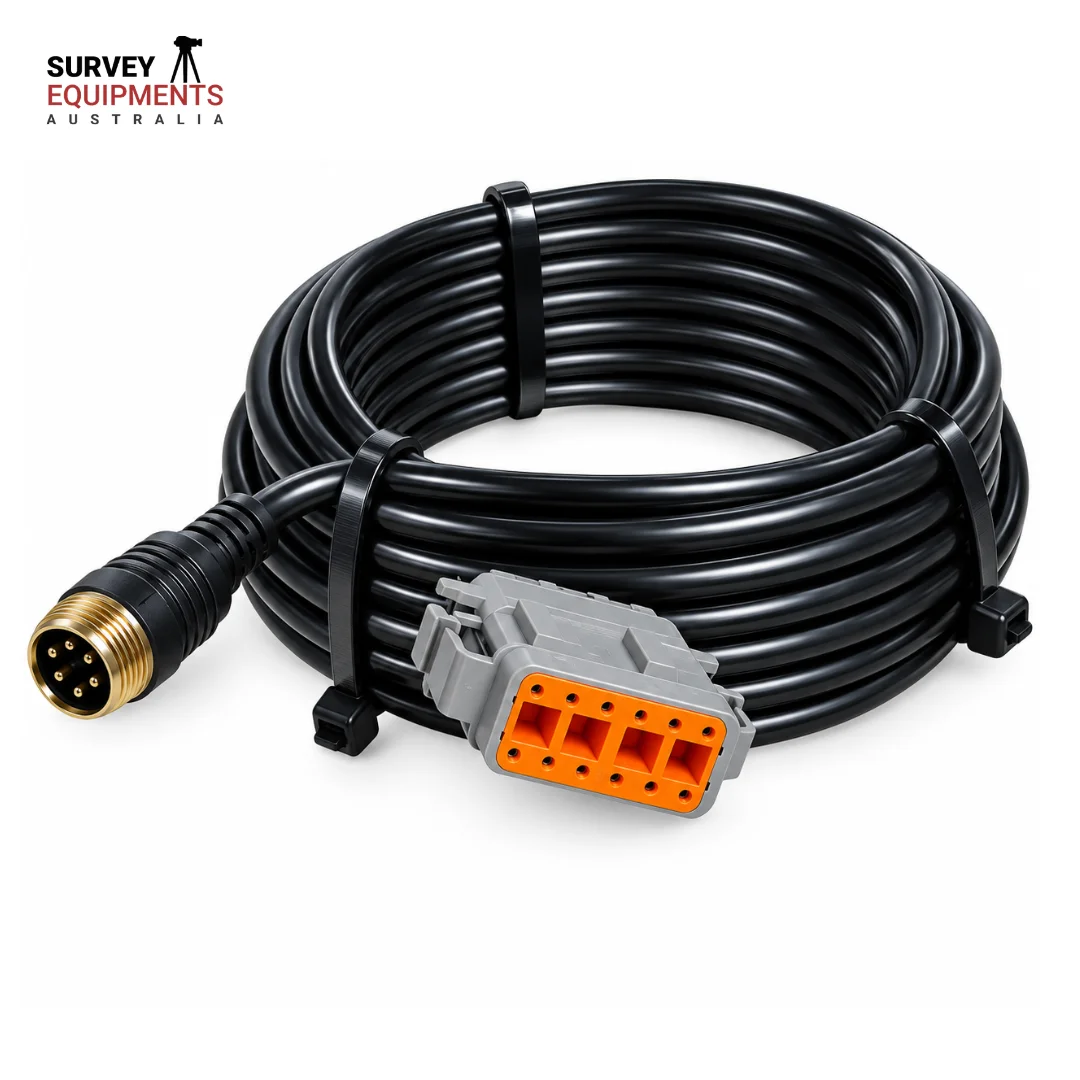
| Connector Type | Round 4-pin aviation-style camera connector to multi-pin Deutsch-style display plug (as pictured) |
| Construction Material | Black jacketed cable |
| Installation | Plug-and-play |
| Application | Precision agriculture, field monitoring |
| Warranty | Manufacturer’s warranty |
Trimble TRM20 Display Compatibility
| Trimble display | Works with Trimble TRM20 cable |
|---|---|
| CFX-750 | Yes – camera port |
| FM-750 | Yes – camera port |
| FmX | Yes – camera port |
| FM-1000 | Yes – camera port |
Compatible Devices
| Device Type | Compatibility |
|---|---|
| GPS Display Systems | Trimble CFX / FM-750 |
| Agricultural Machinery | Cab CAM camera setups |
| Monitoring Systems | Suitable for integrating visual data streams |
Always verify the compatibility of your specific Trimble display model before use.
Ideal Applications
| Field of Use | Use Cases |
|---|---|
| Precision Agriculture | Monitor field operations with real-time visuals |
| Vehicle Monitoring | Enhance safety by viewing rear and side camera feeds |
| Field Management | Integrate video data into GPS systems for better control |
| Heavy Machinery Operations | Maintain visual awareness during complex tasks |
Advantages of Choosing TRM20 Cab CAM Camera 20′ Adapter Cable
| Feature | TRM20 Cab CAM Adapter Cable | Generic Alternatives |
|---|---|---|
| Cable Length | 20 feet, suitable for large vehicles | Shorter cables limiting setup flexibility |
| Direct Compatibility | Specifically designed for Trimble CFX / FM-750 | Limited compatibility with Trimble systems |
| Durability | Heavy-duty, resistant to wear and tear | Prone to damage and environmental wear |
| Signal Quality | Reliable video feed without interference | Potential signal loss or distortion |
| Ease of Installation | Plug-and-play, no complex wiring required | Complicated installation with additional hardware |
Installation Instructions
- Prepare the Setup:
- Ensure the Cab CAM camera and Trimble display are positioned properly.
- Clean the connectors to avoid signal interference.
- Connect the Trimble TRM20:
- Plug one end of the Trimble TRM20 cable into the Cab CAM camera.
- Connect the other end to the Trimble GPS display (CFX / FM-750).
- Test the Connection:
- Turn on the Trimble display to ensure the camera feed is visible.
- Adjust cable positioning as necessary for optimal signal quality.
- Secure the Trimble TRM20:
- Use cable ties to manage excess length, avoiding tangles or damage.
- Make sure the Trimble TRM20 does not interfere with machinery operation.
- Routine Maintenance:
- Regularly inspect the Trimble TRM20 for signs of wear or damage.
- Clean the connectors to maintain clear video transmission.
Maintenance Tips
- Store the cable in a dry area when not in use to avoid moisture damage.
- Inspect connectors periodically for corrosion or dirt buildup.
- Replace the cable if any signs of fraying or damage are detected.
- Use protective covers for the connectors when not connected to devices.
- Avoid bending or kinking the cable to maintain signal integrity.
Frequently Asked Questions (FAQs)
Is this cable compatible with other Trimble display models?
This cable is specifically designed for Trimble CFX / FM-750. Please check your model’s specifications before purchase.
How do I maintain the cable for long-term use?
Regularly clean the connectors and store the cable properly when not in use. Avoid bending or twisting the cable.
Can I extend the cable length if needed?
While the 20-foot length is generally sufficient, you may use a compatible extension cable if necessary, but be mindful of potential signal loss.
Will this cable interfere with other GPS functions?
No, this adapter cable is designed to integrate camera feeds without disrupting GPS operations.
What should I do if the video feed is not displaying?
Check the cable connections, ensure that both the camera and the Trimble display are powered on, and inspect the cable for any damage.
Product Summary Table
| Attribute | Details |
|---|---|
| Product Name | TRM20 Cab CAM Camera 20′ Adapter Cable for Trimble |
| Cable Length | 20 feet |
| Material | Heavy-duty, weather-resistant |
| Installation | Plug-and-play, easy setup |
| Compatibility | Trimble CFX / FM-750 GPS displays |
| Weight | Lightweight for easy installation |
| Ideal Applications | Precision agriculture, machinery monitoring |
| Warranty | Manufacturer-backed reliability |
Why Choose the Trimble TRM20 Cab CAM Camera 20′ Adapter Cable?
The TRM20 Cab CAM Camera 20′ Adapter Cable for Trimble Displays GPS CFX / FM-750 is an essential accessory for professionals in precision agriculture and field management. Its robust construction, reliable connectivity, and ample length make it the ideal choice for integrating Cab CAM camera feeds directly into Trimble GPS systems.
By choosing this adapter cable, you ensure that your visual monitoring setup remains efficient and uninterrupted, providing real-time data to enhance safety and productivity. Whether you are navigating large machinery or conducting precision tasks, this cable delivers the connectivity needed to streamline your operations.
Sources: 20 ft length, power/video function, one-cable-per-camera note and compatible displays from Zoro: CabCAM power/video cable TRM20; connectors from our product photo.


