



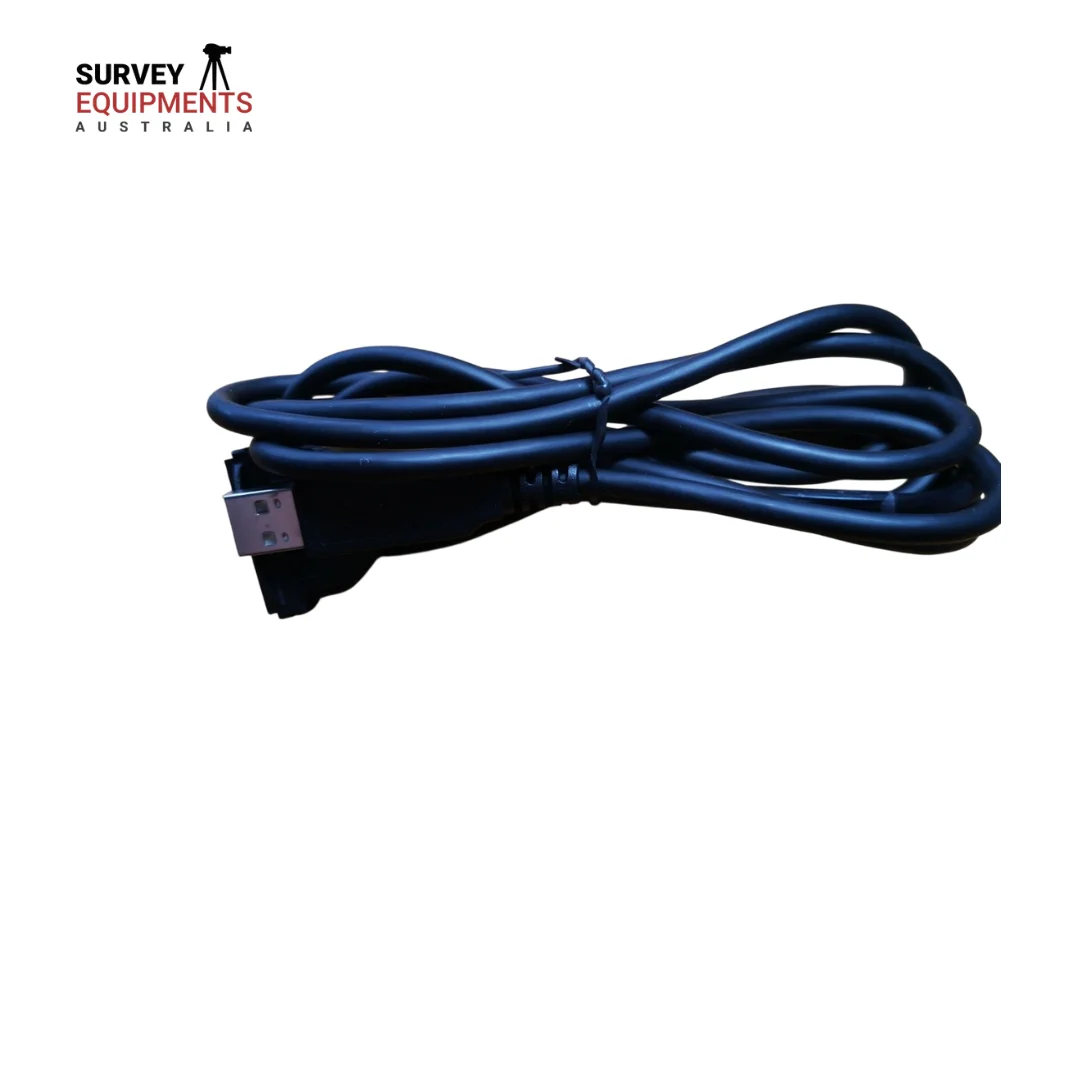


The Sepura 300-00972 is the USB data and programming cable for Sepura STP-series TETRA hand-portable radios. One end plugs into the radio’s accessory connector and the other into a USB port on a PC. Sepura lists the 300-00972 as a 1.8 m USB programming cable for the STP9000, STP9100 and STP9200 radios, for use with Sepura Radio Manager 2 software. The cable is also used across the STP8000 family, including the STP8038 and STP8040.
Sepura 300-00972 USB Programming Cable for STP8000 / STP9000 Radios
Radio fleets need regular updates: new talkgroups, changed settings, firmware upgrades and user profiles. This cable connects each radio to a PC running Radio Manager so a technician can read, edit and write the radio’s configuration. With a USB plug on the PC end, there is no need for an old serial port or adapter.
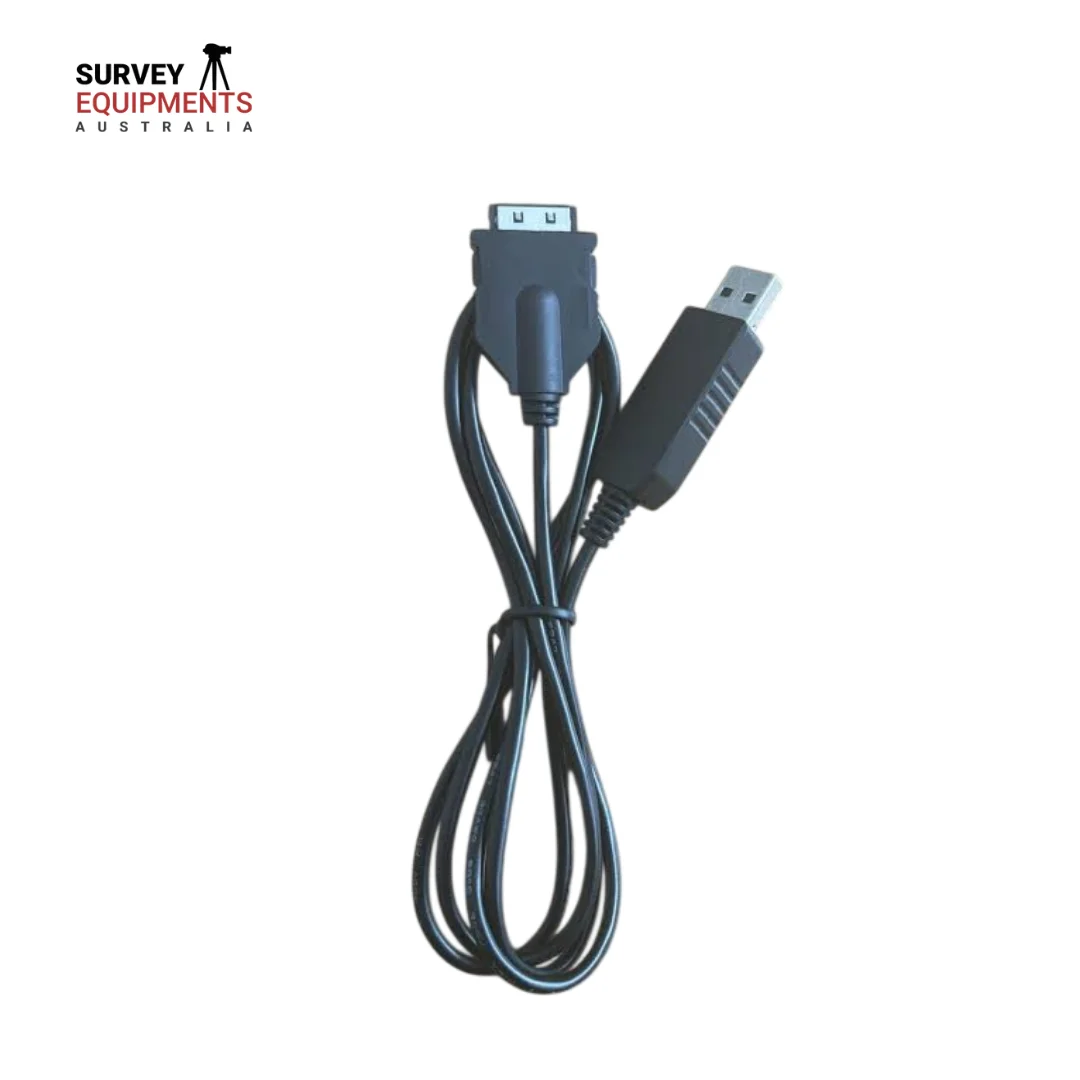
Sepura also offers a D-connector (serial) version, part 300-00419, for older PCs with a serial port. This listing is the USB version.
Key Features
- Part No 300-00972
- USB connector for the PC; plugs into the radio accessory connector
- Cable length about 1.8 m (excluding plugs)
- For STP-series TETRA radios
- Works with Sepura Radio Manager 2 software
Cable Details
| Item | Detail |
|---|---|
| Part No | 300-00972 |
| PC connector | USB |
| Radio connector | Sepura STP accessory connector |
| Length | About 1.8 m (cable only) |
| Software | Sepura Radio Manager 2 |
Compatibility Table
| Radio | Works with this cable? | Notes |
|---|---|---|
| STP9000 / STP9100 / STP9200 | Yes | Listed by Sepura |
| STP9040 | Yes | STP9000 family |
| STP8000 / STP8038 / STP8040 | Yes | STP8000 family accessory connector |
| SC-series radios | No | Use the SC programming cable |
How to Use
- Install Sepura Radio Manager and the USB driver on your PC.
- Turn on the radio and plug the cable into the accessory connector.
- Connect the USB plug to the PC.
- Open Radio Manager and read the radio before making changes.
- Write the new settings and disconnect when finished.
Tips for Programming Fleets
Always save a backup of each radio’s current settings before you write new ones. Keep the radio on a charged battery during programming so it does not switch off part way through. If the PC does not detect the radio, check the USB driver, try a different USB port and make sure the plug is fully seated in the accessory connector.
Why Keep a Spare Programming Cable?
Programming cables are small and easy to lose, and the connector on the radio end takes wear every time it is plugged in. A worn or damaged cable can drop the connection part way through programming, which can leave a radio with a corrupted configuration. Keeping a spare cable in the workshop and one in the field kit means technicians can keep working if one fails.
For large fleets, several cables let more than one technician program radios at the same time, which speeds up fleet-wide updates before major events or shift changes.
Frequently Asked Questions
Does it include software?
No. Sepura Radio Manager software is licensed separately.
Is this the USB or serial version?
This is the USB version. The serial (D-connector) version is 300-00419.
Conclusion
The Sepura 300-00972 USB programming cable connects STP8000 and STP9000 series TETRA radios to a PC for programming and updates. An essential tool for radio technicians. Contact Survey Equipments Australia with any questions.
Sources: Sepura: STP radio programming cables (300-00972 USB, 300-00419 D-connector); Limmared: Sepura STP8000 PC cable USB (300-00972).


